Ever since I wanted to get a tattoo and made a few sketches for it I got other ideas for tattoos on my body. And
I began to create more designs and sketches.
I wanted to only get tattoos that meant something to me. For instance I made a design of a horse because horses
have been a big part of my life, since I ride horses since I was 7 years old.
The same goes for my T-Rex. I've been called a T-Rex by some of my friends and family since I like to keep my
arms rested
while standing like a T-Rex, as they supposedly did it back in their day.
Ever since I got my laptop I've been playing some video games on it. I do this usually on my bed layed down,
But because I am lazy I've been laying my laptop really close to my face with only my hands in front of me on my
lazy back I also lay like a T-Rex.
So in my design I also wanted to get a laptop close to his face. His face is just slightly bigger than mine
so I eventually
put it on his belly.
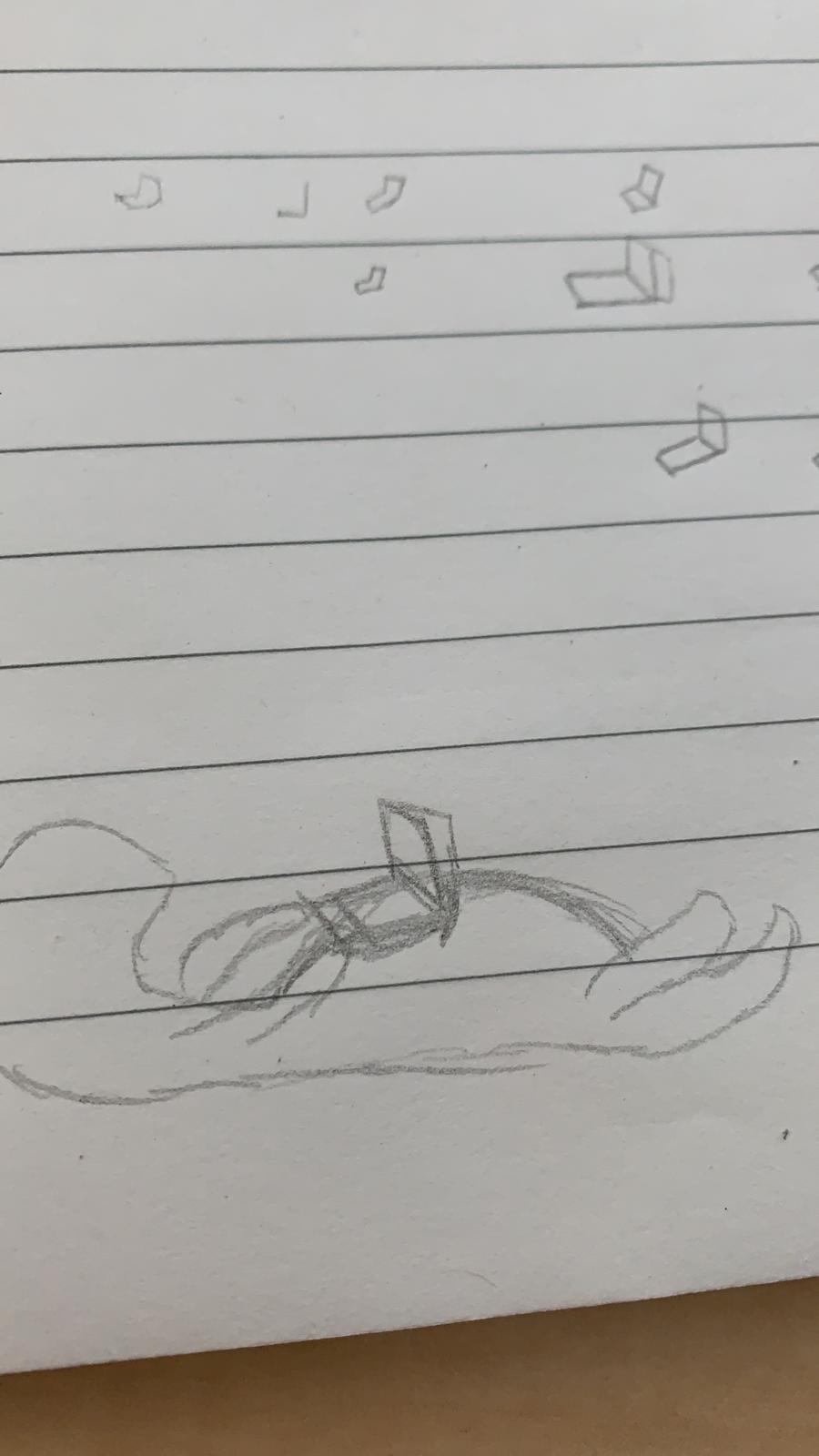
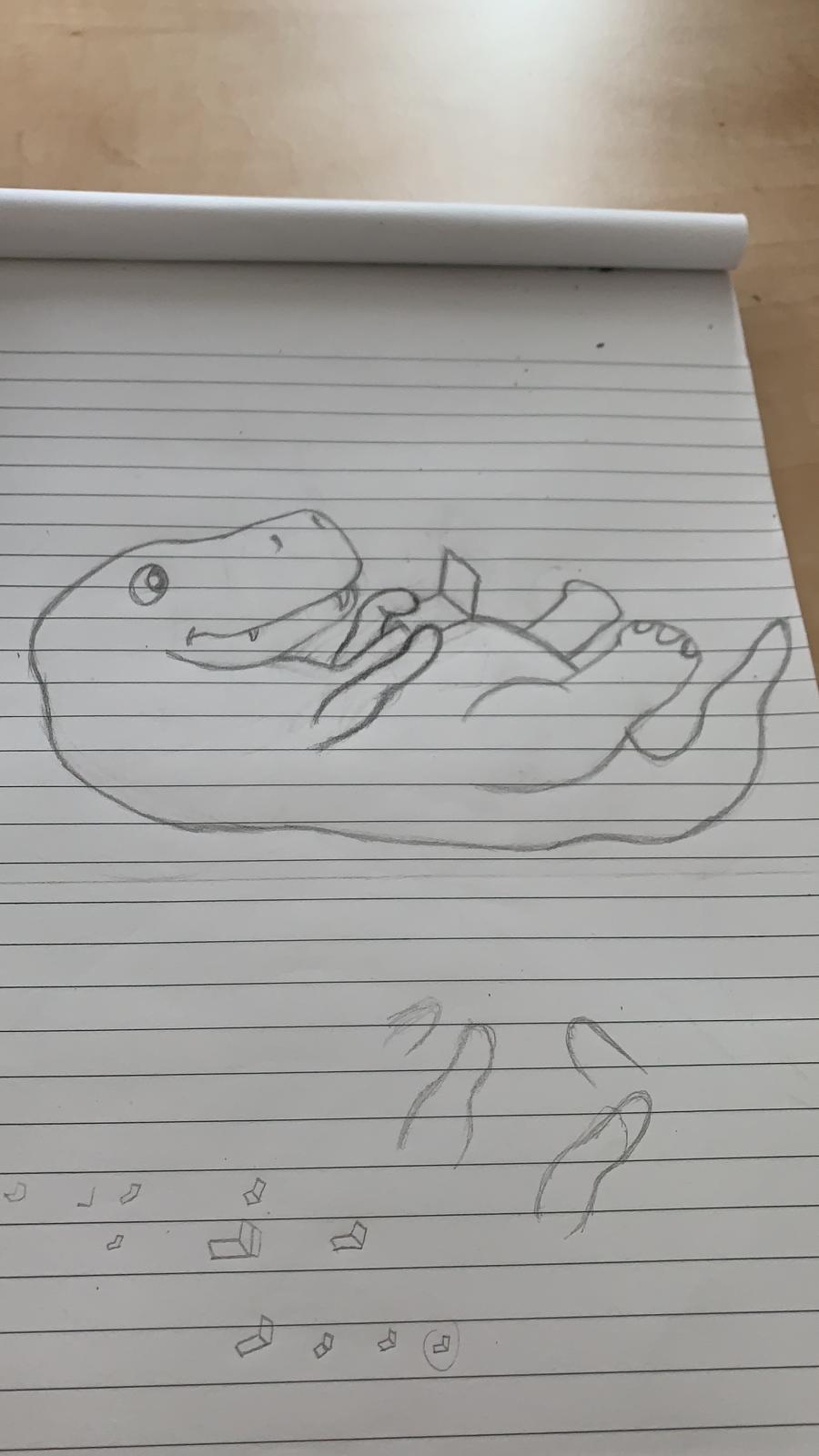
I also sketched how my arms would look. Before I started on my actual
drawing I made a lot of doodles to see what the best perspective for the laptop would be.
To see how my laptop would eventually look I made a very quick doodle of my T-Rex and put the most likely
ones there to see how it'd look.
One difference I made during my proces is making claws for my T-Rex, since they did have those back in the
day. However, in my sketches you'll not see claws because I am not the greatest in sketching them. I even
drew over someone elses claws in Photoshop.
I've never made a T-Rex before. Let alone try to get a nice, cool, realistic one the first time. So I thought
that a more chibi-like T-Rex would be fitting (for me).
So I searched Google for drawings/ pictures of chibi T-Rexes and used from multiple pictures some ideas and
combined them together and created my own chibi T-Rex.
For instance I used from one the colours, another the body shape and yet another one for
the claws.
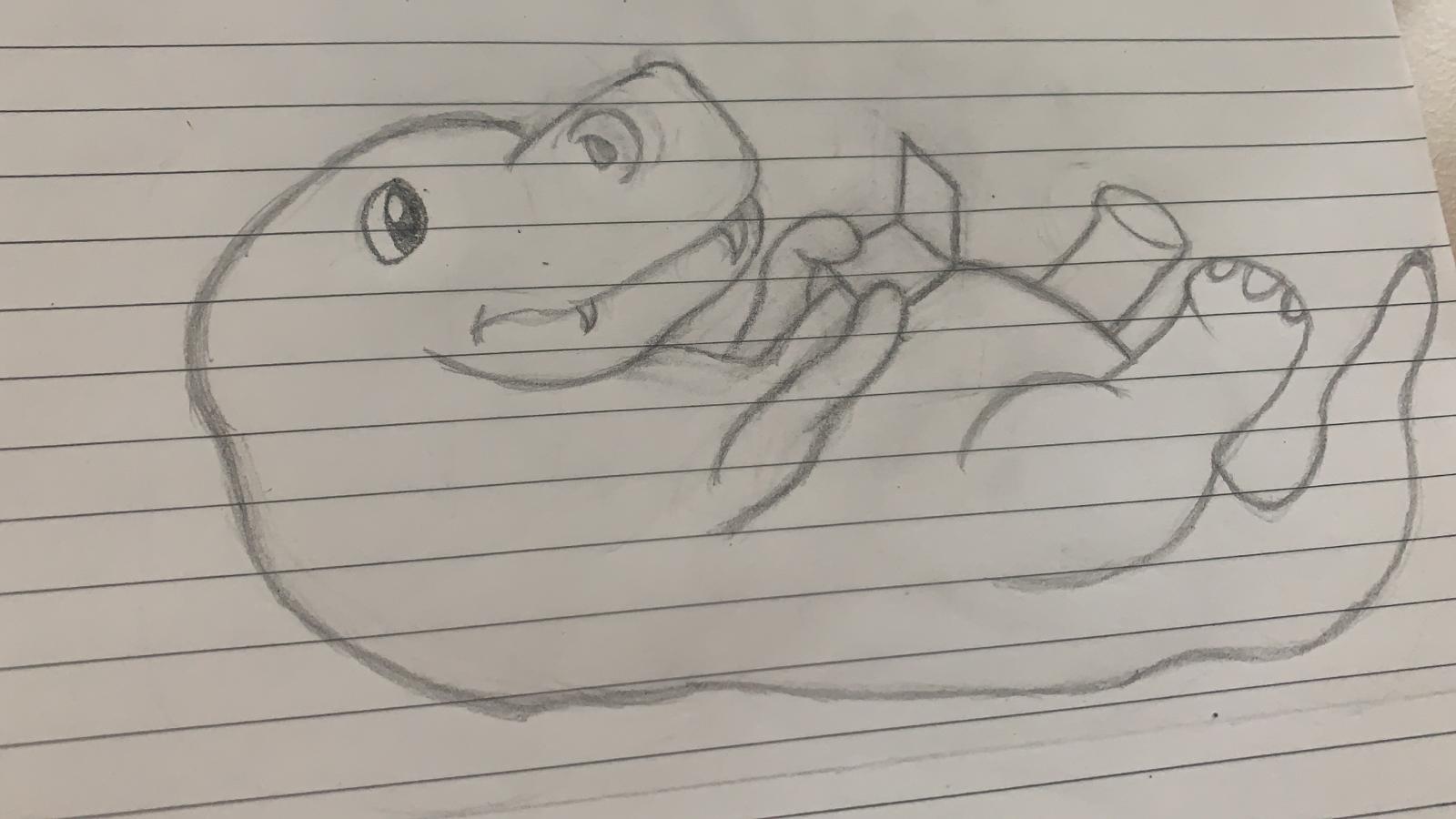
After trying out multiple laptop positions and different kind of arms I finally got them on my final
drawing,
as shown here on the right. After a while of looking at it I wasn't really amazed by the nostrils.
So I tried different types of nostrils and eventually found the right fit. as the end result and all the
upcoming pictures will show.
I also didn't want to 'ruin' the drawing by colouring it in. I don't really like to do that on paper because
it feels very permanent, and I don't have a good eraser to get rid of a certain colour. So I wanted to do it
digitally, preferably in Adobe Photoshop. There I could use my Wacon Tablet and just get started on
colouring.
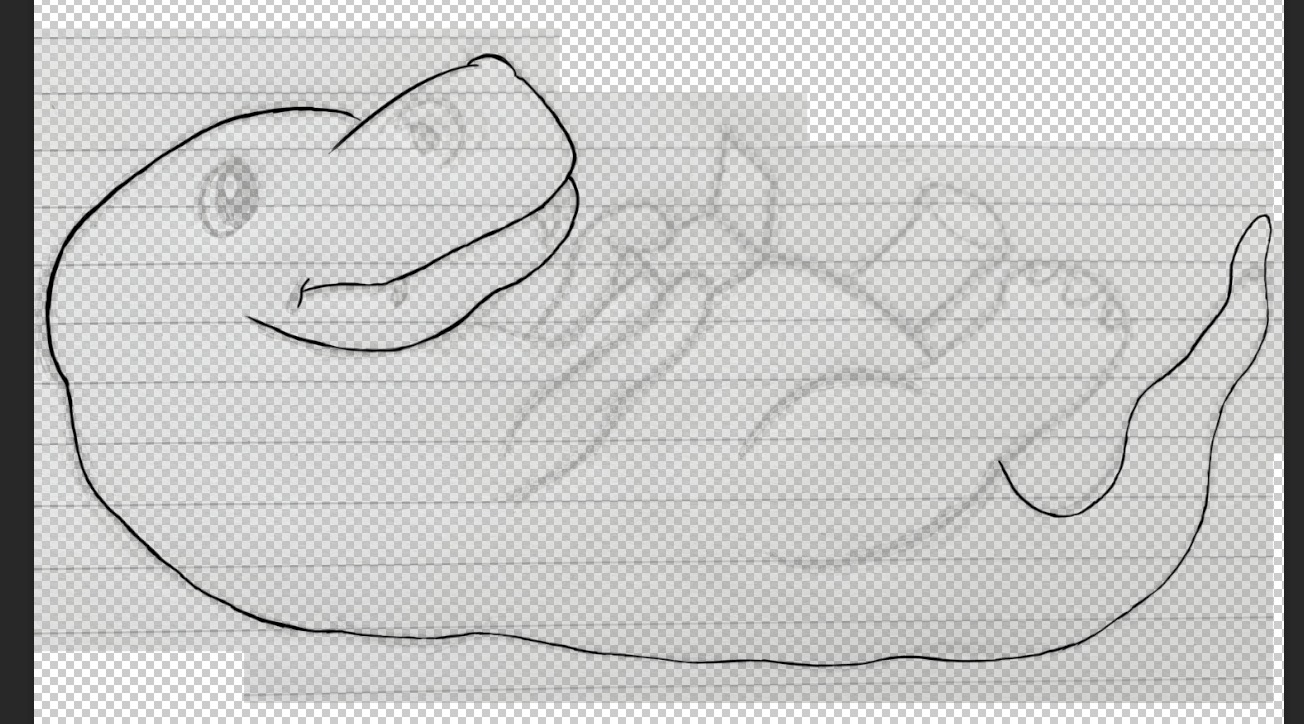
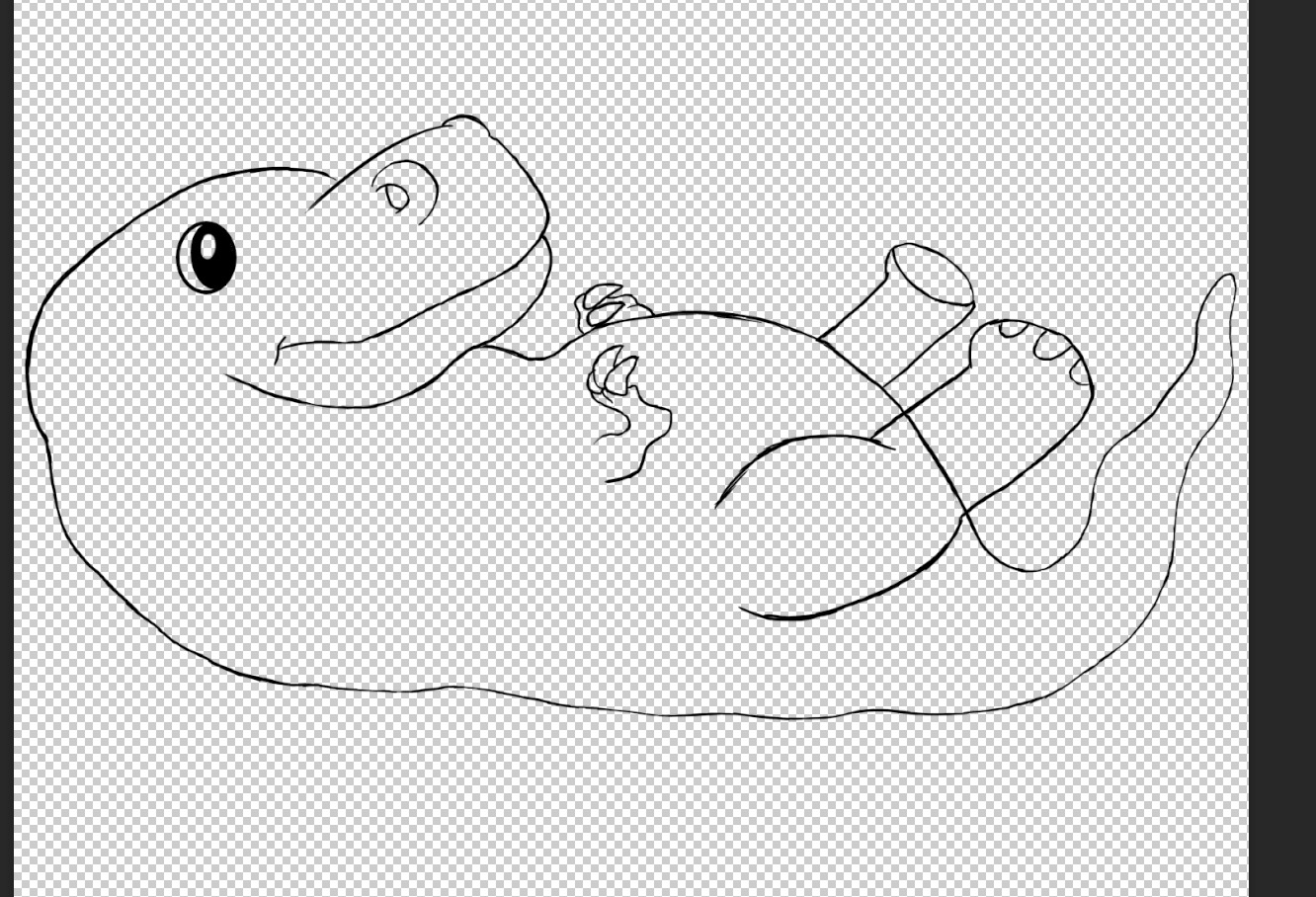
To get my drawing in Photoshop I usually do that by simply making a photo, airdropping it to my laptop and
putting that into my Photoshop file. However what I usually see when I do that is that I sketch to lightly. So
to prevent that with this one I made the outlines a lot thicker.
Underneath you'll see what I did in Photoshop.
As seen in the final picture above I created claws on the T-Rex. I did this using someone elses drawing and
just putting that image underneath the outline and drawing over it.
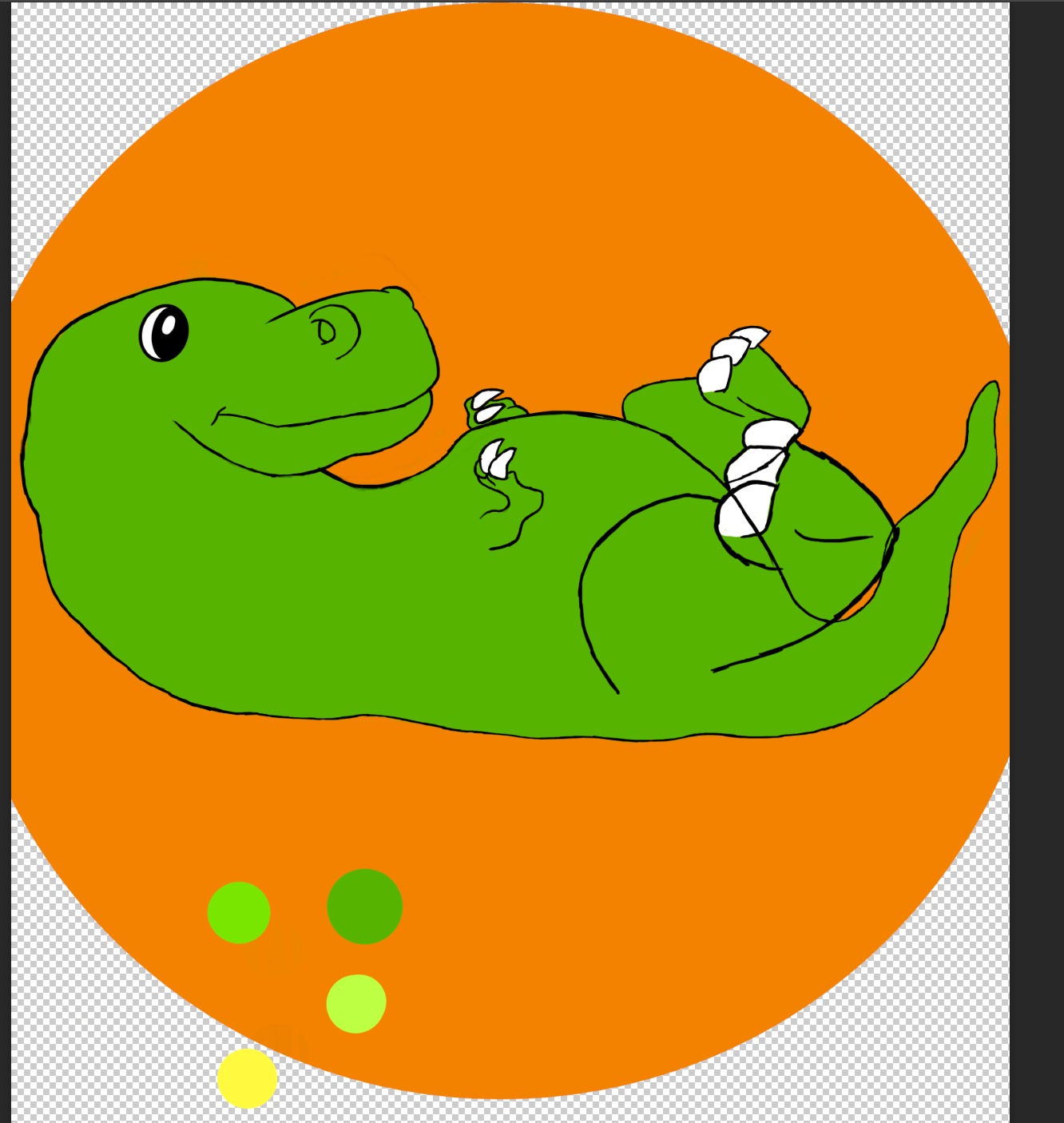
And now that I have my outline I can start colouring my T-Rex. I did want to make a 'realistic' chibi so I
used reptilian colours.
As seen next to this I wanted to use those colours as my base. I used to darkest green as the feathers, but
then more chibi based. The lighter green is, as seen, the body base of my T-Rex. However I eventually just
made the whole T-Rex darker because it looked prettier on the screen.
The yellow one as my teeth colour base but also for the front side. Since this one is on his back it's a way
to show that that's where his belly is. Or to just make it a bit more interesting then with an entire green
T-Rex.
I call all of these base colours because I still need to add shadows of these and the highlights. Because if
I'd add them already and once I finished up and feel like the body colour needs to be lighter or darker,
then I also need to change the highlight and shadow colours. And that just means extra work which isn't how
I'd like to spend my time on.
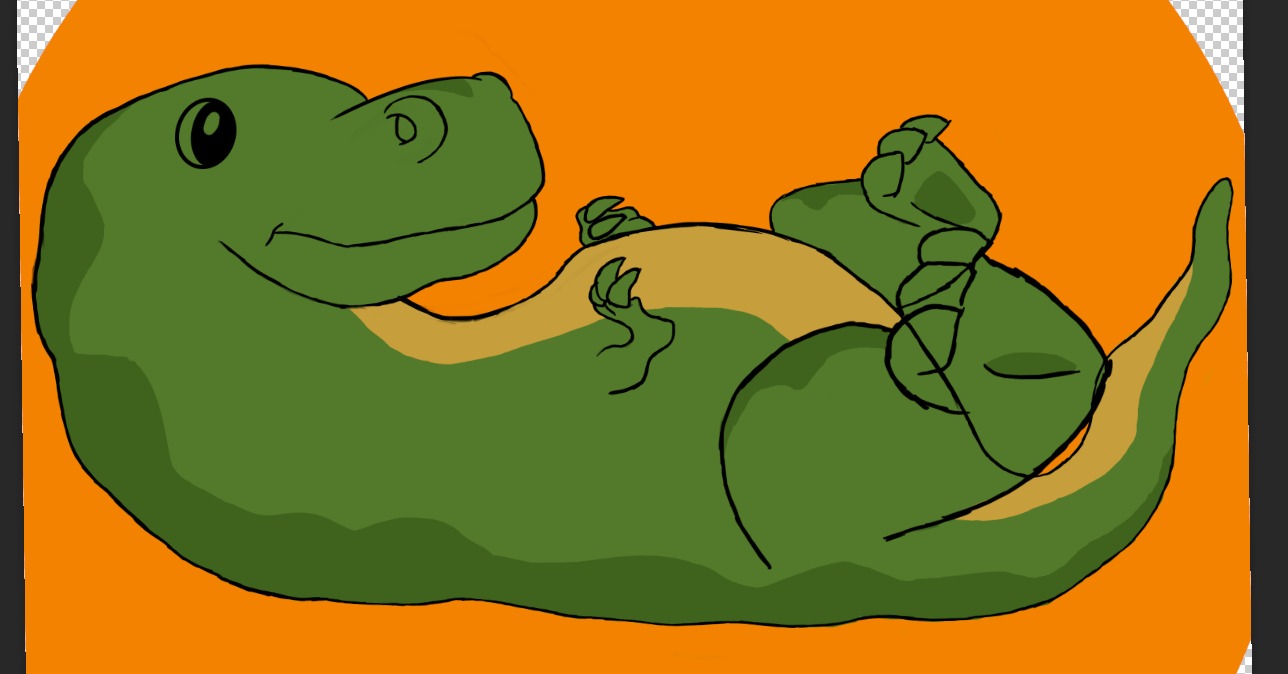
I eventually decided that the T-Rex was indeed way to light green, almost poisoness. And I decided to use my
dark green as a base colour. And that colour was more to my liking. Which meant I also needed an even darker
green now for the feathers.
Also the yellow I had as a base colour didn't complement the green so I needed one that felt more like it could
actually be part of the body instead of just a colour. Knowing the colour chart I needed it to be a bit more
orange, but not fully orange as it would look weird. So I needed to find a base in yellow and orange.
After finally finding the right colours for the body it was time for me to start adding the shadows where
necessary. This also meant thinking about where the shadows come from, and where the highlights will be.
I also wasn't sure yet if I wanted the outline to stay or not. And if I'd rather keep the sketched
Photoshop lines or remove the layer and get smooth lines from Adobe Illustrator eith the Pen Tool.
I also had to think about the claw colour and the eye colour. Because claws are shiny and that meant that
the
direction of the light is crusual for that part. And I couldn't get a nice colour in mind so I kept the eye
colour black with white.
If you click on "End Result" you'll go to another page, where you'll go to my work Instagram and see the post
about my Lazy T-Rex.